AI campaign management for marketing agencies
Effective Ads gives agencies an AI operating layer for planning, launching, monitoring, optimizing, and reporting on campaigns across every client workspace.
Built for paid media agencies, performance teams, and founders who need to scale client capacity without adding another dashboard or another manual checklist.
30-day money-back guarantee. Cancel anytime.
The problem this solves
Campaign work breaks down when monitoring, budget checks, launch QA, optimization notes, and client reporting live across spreadsheets, Ads Manager tabs, Slack threads, and disconnected AI prompts.
The operating outcome
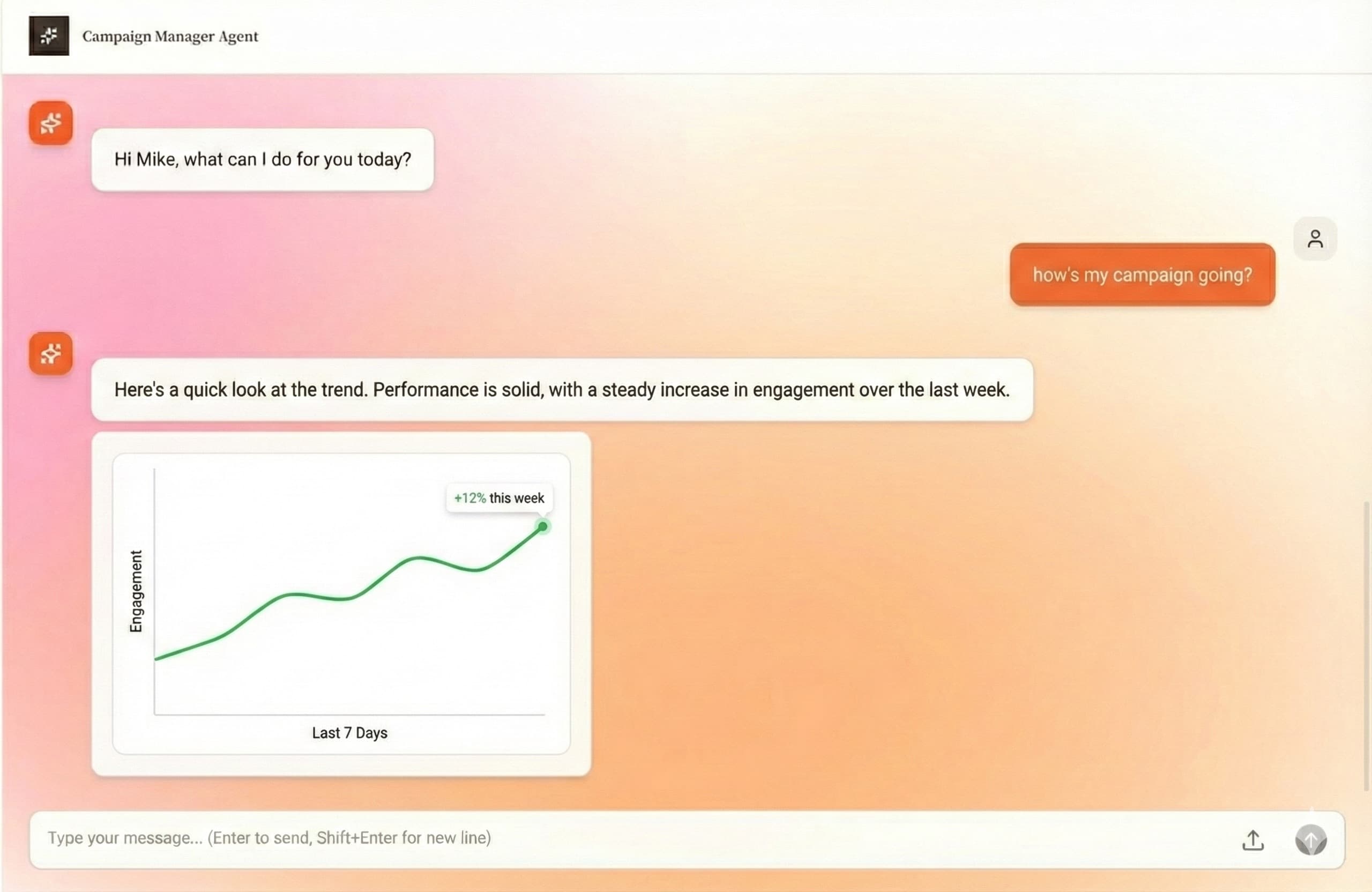
Your team gets one campaign command center where AI agents watch accounts continuously, surface the right fixes, and keep humans in control of every change.
Built for real agency campaign operations
Always-on campaign monitoring
Track spend pacing, budget anomalies, performance drops, ad fatigue, and account risk across client portfolios.
Optimization recommendations
Turn performance signals into suggested actions your team can approve, edit, reject, or apply through established guardrails.
Launch and QA workflows
Keep campaign briefs, assets, account context, naming conventions, and deployment steps attached to the client workspace.
Client-ready reporting
Generate white-label performance summaries that explain what changed, what worked, and what should happen next.
How agencies use it
The workflow keeps campaign intelligence, team review, and client communication connected instead of scattering them across tabs.
Connect client accounts
Bring Meta Ads, Google Ads, and client context into one workspace instead of switching between disconnected tools.
Set operating guardrails
Define budgets, targets, permissions, reporting cadence, and approval rules so the AI works inside your agency process.
Review signals and actions
See campaign alerts, optimization suggestions, and cross-client priorities ranked by urgency and business impact.
Report with context
Send clients clear updates with performance analysis, campaign changes, and next steps already organized.
Where this fits in the agency workflow
- Daily campaign health checks across every retained client
- Paid media account reviews before weekly client calls
- Budget pacing and anomaly detection for high-spend accounts
- Monthly client reporting without manual spreadsheet assembly
- Launch coordination between strategists, media buyers, and account managers
Common questions
Does Effective Ads replace a media buyer?
No. It handles the monitoring, analysis, reporting, and repeated operations around paid media work so media buyers can focus on strategy, approvals, and client decisions.
Can agencies keep control over changes?
Yes. Agencies can review recommendations, set guardrails, and decide which actions are approved before campaign updates are applied.
Keep exploring the platform
Multi-client campaign management for agencies
Manage campaign monitoring, reporting, optimization priorities, and client account workflows across many paid media clients from one workspace.
Campaign monitoring and alerts for paid media teams
Detect budget anomalies, spend pacing issues, performance drops, and ad fatigue with AI campaign monitoring for paid media agencies.
Paid media automation for Meta, Google, and TikTok campaigns
Automate paid media monitoring, optimization queues, launch workflows, and client reports across Meta Ads and Google Ads, with TikTok on the roadmap.