Campaign monitoring and alerts for paid media teams
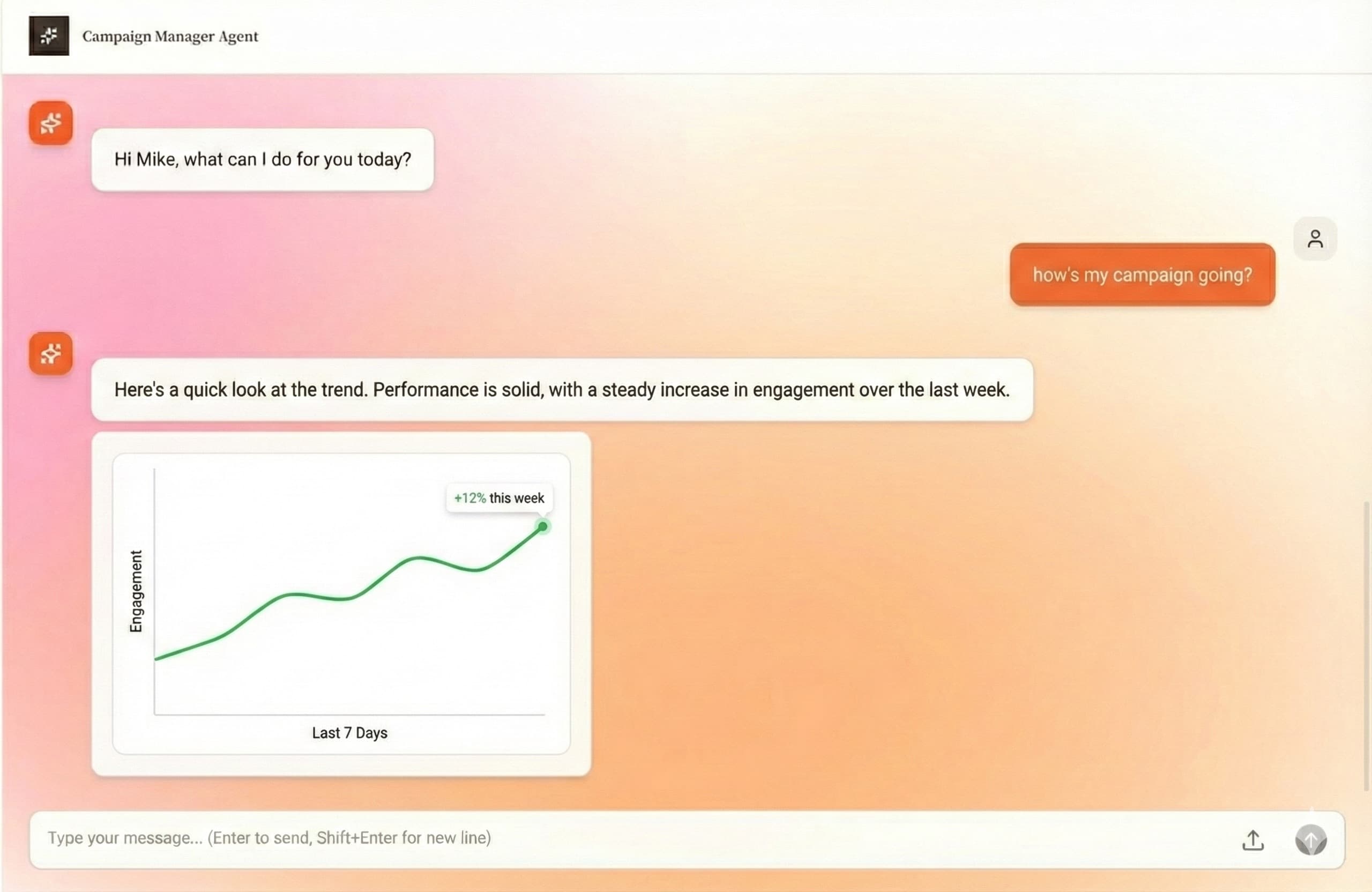
Effective Ads watches campaign performance continuously and turns noisy platform data into alerts your team can act on.
For agencies that manage enough ad accounts that manual daily checks are no longer reliable or profitable.
30-day money-back guarantee. Cancel anytime.
The problem this solves
Campaign problems often show up after spend has already been wasted: a budget spike, a fatigued ad, a broken launch, or a silent performance drop.
The operating outcome
The platform flags risk early, explains why it matters, and routes the issue into the campaign workflow for review.
Built for real agency campaign operations
Budget anomaly detection
Identify unusual spend patterns, pacing risk, and budget changes before they become client-facing surprises.
Performance drop alerts
Surface campaigns, ad sets, or ads that move outside expected CPA, ROAS, conversion, or engagement ranges.
Ad fatigue signals
Track creative and audience fatigue indicators so teams know when to refresh, pause, or reallocate.
Client-level prioritization
Group alerts by client, urgency, and business impact so account managers know what to handle first.
How agencies use it
The workflow keeps campaign intelligence, team review, and client communication connected instead of scattering them across tabs.
Define campaign targets
Set the goals and thresholds that matter for each client account and campaign type.
Monitor automatically
Let agents watch campaign signals while your team works from prioritized exceptions.
Investigate with context
Open each alert with campaign history, affected metrics, and suggested next steps.
Report what changed
Capture the issue and resolution for internal tracking and client-facing updates.
Where this fits in the agency workflow
- Catching overspend before clients ask about it
- Tracking campaign pacing during launches and promotions
- Monitoring high-volume paid social accounts overnight
- Prioritizing paid media work across account managers
- Creating an audit trail of campaign issues and responses
Common questions
Are alerts generic or client-specific?
Alerts can be evaluated against the client workspace, campaign targets, and operating rules instead of one generic threshold for every account.
Can alerts become reports?
Yes. The same monitoring context can be used to explain what happened, what changed, and what comes next in client reports.
Keep exploring the platform
AI campaign management for marketing agencies
Manage paid media campaigns with AI agents for monitoring, optimization, launch workflows, reporting, and multi-client agency operations.
Paid media automation for Meta, Google, and TikTok campaigns
Automate paid media monitoring, optimization queues, launch workflows, and client reports across Meta Ads and Google Ads, with TikTok on the roadmap.
Multi-client campaign management for agencies
Manage campaign monitoring, reporting, optimization priorities, and client account workflows across many paid media clients from one workspace.